
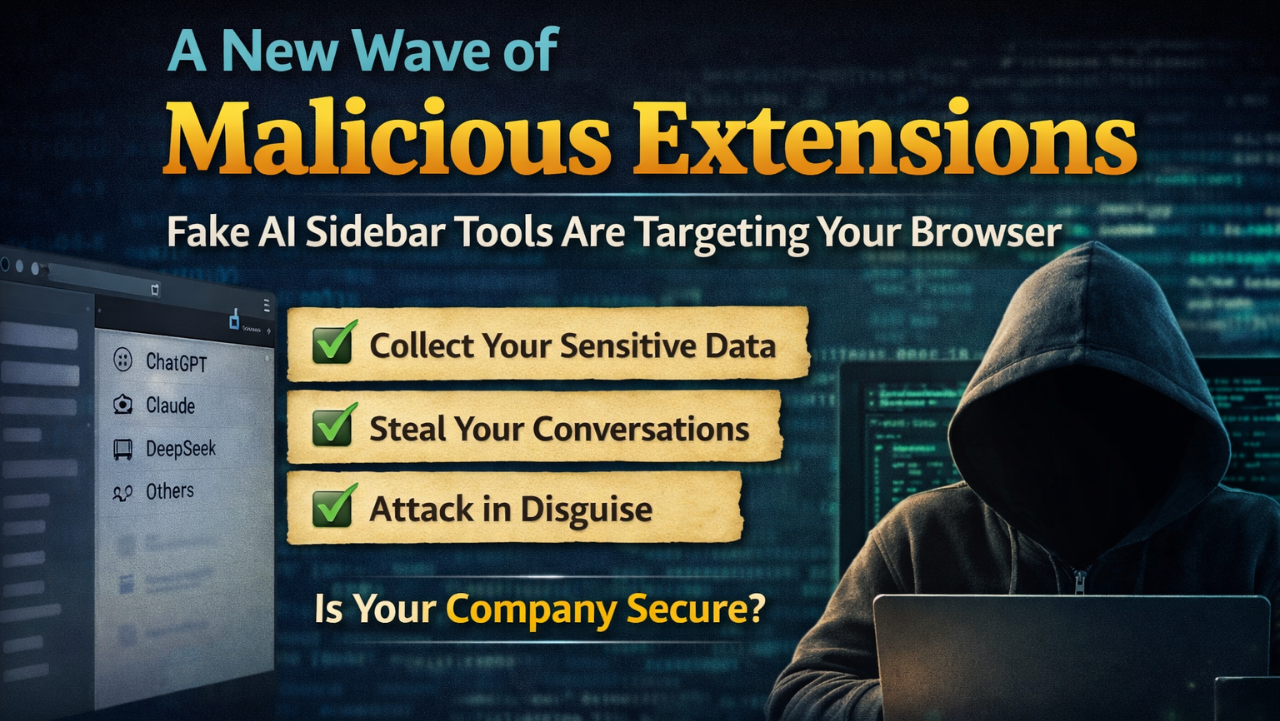
We now see AI-powered browser extensions are exploding in popularity. Tools that promise instant access to ChatGPT, Claude, or DeepSeek in a convenient sidebar sound incredibly useful—and they often are.
But there’s a growing problem: some of these “smart sidebar” extensions are not what they claim to be.
🚨 A New Wave of Malicious Extensions
Recent security research has uncovered multiple browser extensions disguised as helpful AI assistants that were actually performing malicious activities behind the scenes.
These extensions:
-
Collected user conversations from AI tools
-
Accessed browser activity and sensitive data
-
Sent information to external servers without user consent
Even more concerning, many of these extensions:
-
Had hundreds of thousands of users
-
Displayed high ratings and “trusted” badges
-
Closely mimicked legitimate tools in name and design
🎯 Why AI Sidebar Extensions Are Being Targeted
AI sidebar tools are particularly attractive to attackers because they:
-
Require broad permissions (access to all websites)
-
Interact with sensitive user input (messages, prompts, work data)
-
Are new and poorly understood by most users
This creates the perfect environment for malicious actors to blend in unnoticed.
⚠️ Red Flags to Watch For
If you’re considering installing—or have already installed—an AI sidebar extension, look for these warning signs:
-
Generic names like:
-
“Smart Sidebar”
-
“AI Sidebar”
-
“ChatGPT Assistant Pro”
-
-
Requests for permissions like:
-
“Read and change all your data on all websites.”
-
-
Unknown or unclear developer identity
-
Recently published extensions with suspiciously high ratings
🔍 How to Check if an Extension Is Safe
Take a few minutes to audit your browser:
-
Open your extensions page:
-
Chrome:
chrome://extensions
-
-
Review each extension:
-
Who is the developer?
-
What permissions does it have?
-
-
Look up the extension online:
-
Add “security” or “malware” to your search
-
If anything feels off, trust your instincts.
🛑 What To Do If You Installed a Suspicious Extension
If you suspect an extension might be unsafe:
-
Remove it immediately
-
Change your passwords (especially email and work accounts)
-
Enable two-factor authentication (2FA)
-
Log out of important sessions
-
Monitor for unusual account activity
✅ Best Practices Moving Forward
-
Stick to well-known, verified developers
-
Avoid installing multiple AI extensions with overlapping features
-
Use official platforms (like ChatGPT or Claude directly) when possible
-
Keep your browser and security tools up to date
Final Thoughts
AI tools are incredibly powerful—but convenience should never come at the cost of security.
The rise of “smart sidebar” extensions shows how quickly attackers adapt to new trends. Staying informed and cautious is your best defense.
ADS Consulting Group helps organizations stay secure in a rapidly evolving digital landscape. From cybersecurity assessments to IT strategy and cloud solutions, we make sure your business stays protected and productive.
📩 If you want to know more about how we can help secure your organization, contact us at info@adscon.com